Stop searching for the beat
Every time I wanted to run at 180 spm, I'd go find an MP3. One day in the middle of that search, the thought landed: why isn't this just in the app?
For a while, every time I wanted to run at 180 spm I’d go find an MP3. A metronome track, a playlist with the right BPM, anything I could use to keep my feet honest. It worked, but searching for a new one every time felt like a solved problem I kept re-solving.
One day in the middle of that search, the thought landed: why isn’t this just in the app?
A metronome, not a music player
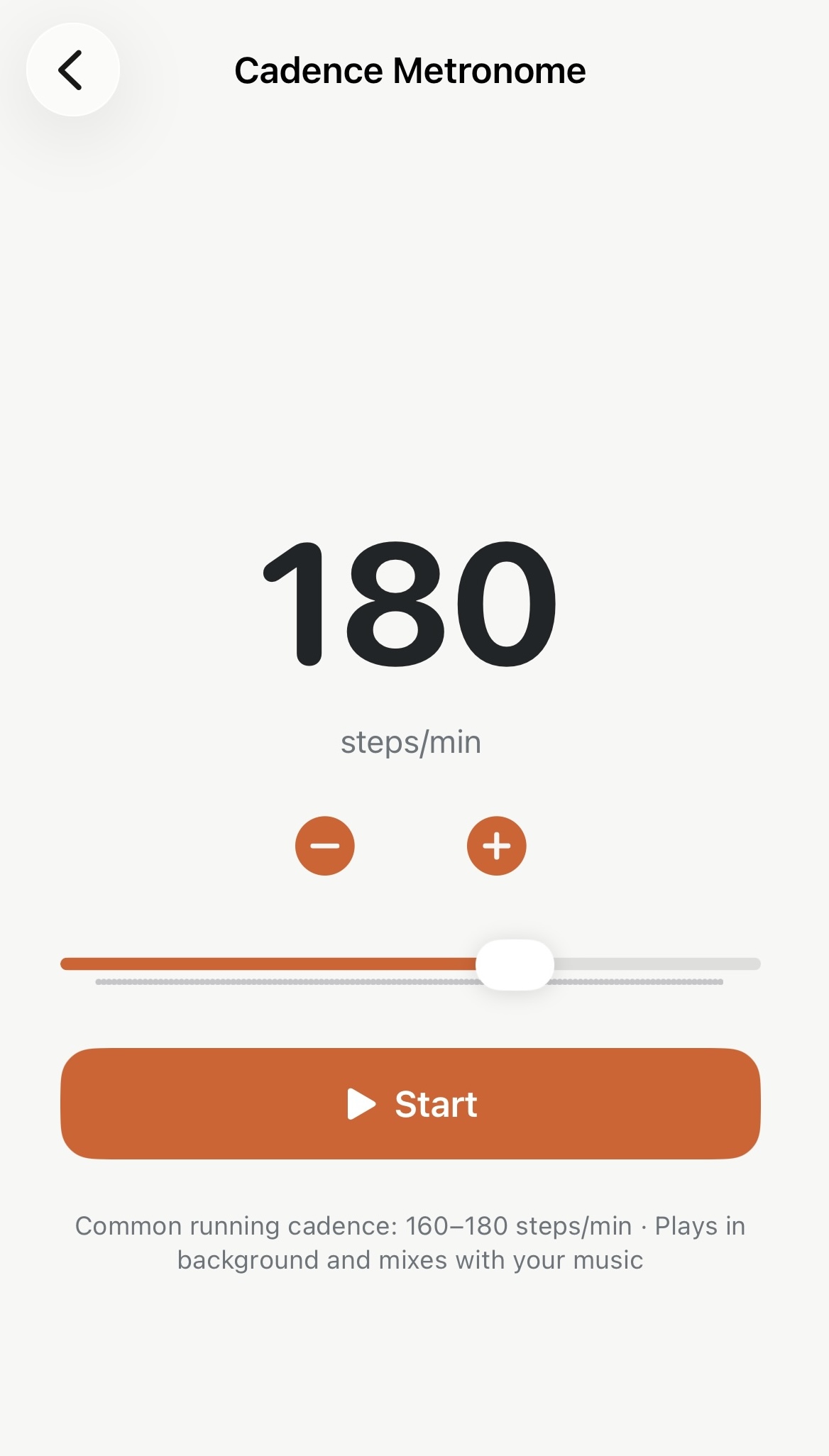
Apex Run’s Cadence Metronome is a synthesized audio click — nothing fancy, just a clean tone that fires at the exact rate you set. BPM range is 100–220, defaulting to 170. The controls are deliberately simple: a large BPM number, ±1 buttons, a slider. Set it and run.
What mattered most was getting the audio right. The metronome plays in the background with the screen locked, and it mixes with whatever you’re already listening to — music, podcasts, nothing — without interrupting it. The beat scheduling runs against the audio hardware clock, so timing stays accurate even when the app isn’t in the foreground.
It’s a free feature. No Pro gating. A metronome should just work.
On the lock screen too
In v1.5, a dedicated widget brings the metronome to the home screen and lock screen — current BPM target, start/stop control, no need to open the app. Set your cadence once, start it from your lock screen, go.
The MP3 folder on my phone is a lot less crowded now.